

A review job downloads review.mp4 and opens it without an error. It still has the wrong cut. The upload step picked a different file with the same name, and the artifact service delivered exactly what it was given.
Take the expected SHA-256 from the selected clip before preparing the upload. Pass that hash as a job output. In the next job, hash the file you actually downloaded and stop if it differs. The comparison checks whether the two files have the same bytes.
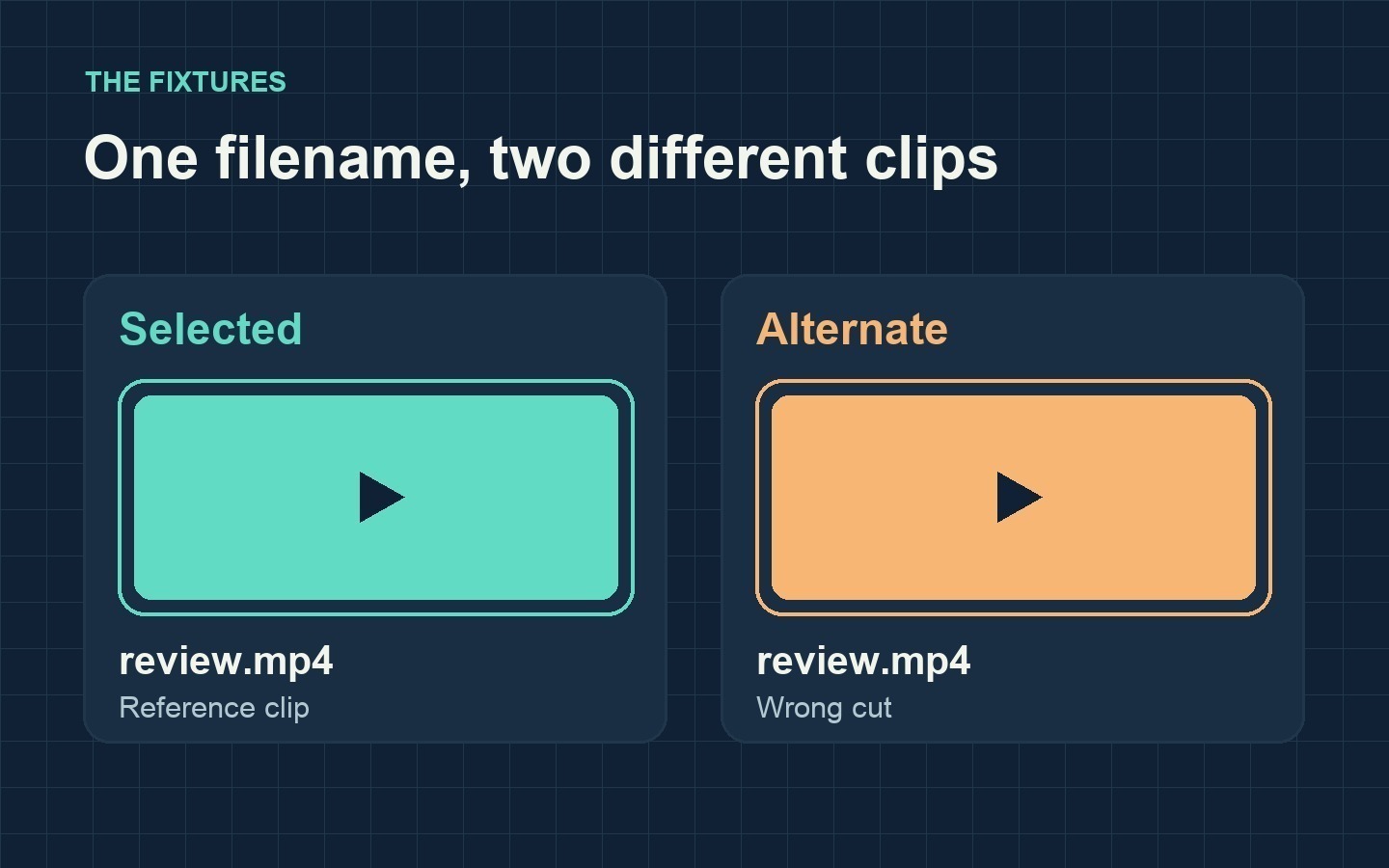
Both fixtures share a filename. Their different colors make the wrong cut easy to recognize in this exercise.
Make two playable clips with the same name
The fixtures are two five-second color cards. Run this from the root of a practice repository with FFmpeg and shasum installed. The folder names distinguish the selected reference from the alternate cut.
mkdir -p fixtures/selected fixtures/alternate

ffmpeg -f lavfi -i color=c=0x2FC2B3:s=320x180:r=24:d=5 \
  -c:v libx264 -pix_fmt yuv420p -movflags +faststart \
  fixtures/selected/review.mp4
ffmpeg -f lavfi -i color=c=0xF4A64A:s=320x180:r=24:d=5 \
  -c:v libx264 -pix_fmt yuv420p -movflags +faststart \
  fixtures/alternate/review.mp4
Pass the expected hash separately from the artifact
Job 1 records the selected clip's hash and sends it through $GITHUB_OUTPUT. It then stages a file under a fixed name for upload. Job 2 receives the expected hash through needs and downloads the artifact from the same workflow run. The switch deliberately uploads the alternate clip while keeping the selected hash.
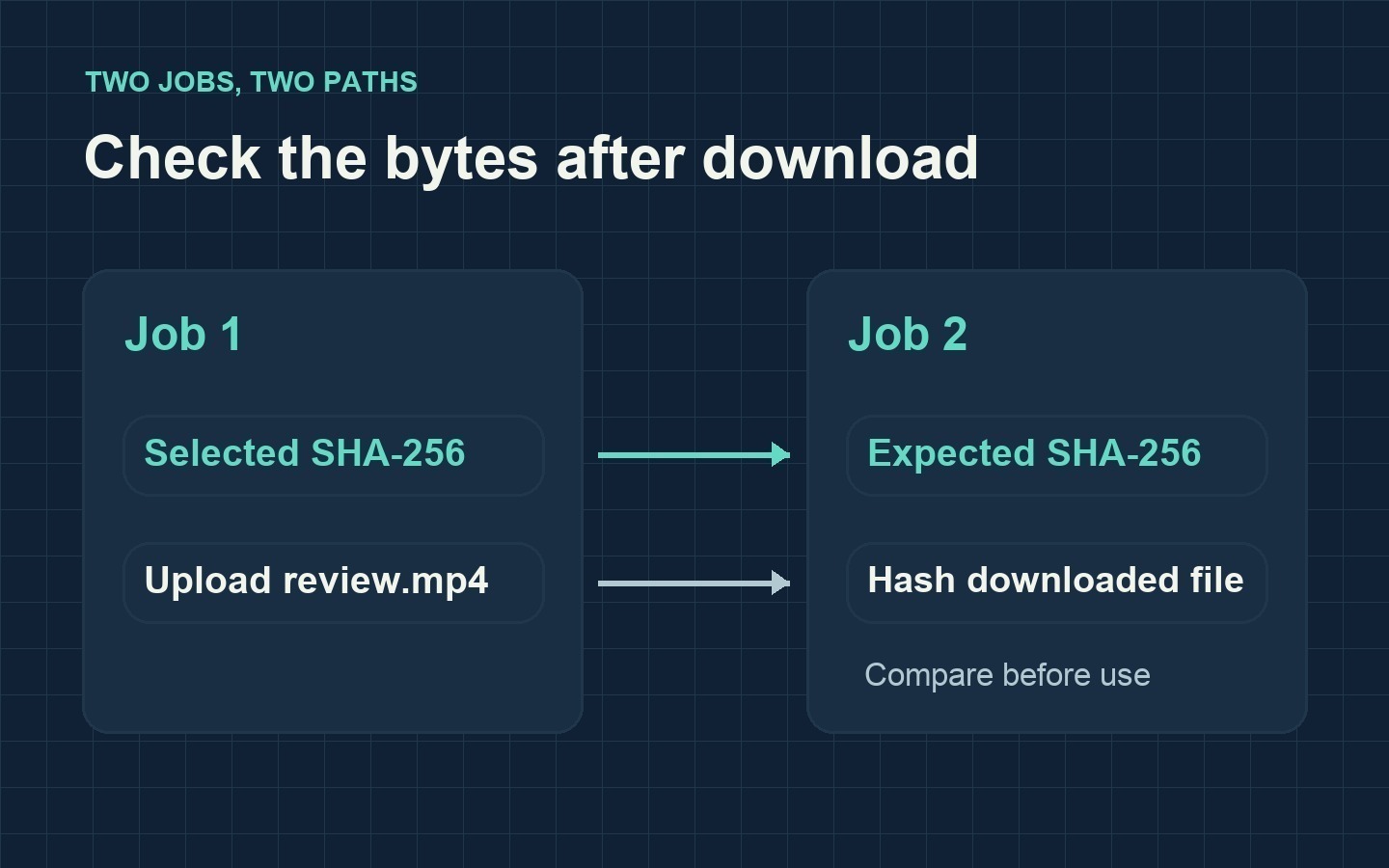
The expected hash travels through a job output. The video travels through artifact storage.
Save this as .github/workflows/check-review-clip.yml and commit the two fixtures to the same practice repository. Put the workflow on the default branch so it can be started from Actions → Run workflow.
name: Check the selected review clip
on:
  workflow_dispatch:
    inputs:
      use_wrong_cut:
        description: Upload the alternate clip to exercise the file check
        type: boolean
        default: false

permissions:
  contents: read

jobs:
  package:
    runs-on: ubuntu-latest
    outputs:
      selected_sha256: ${{ steps.baseline.outputs.sha256 }}
    steps:
      - uses: actions/checkout@v6

      - name: Record the selected clip hash
        id: baseline
        shell: bash
        run: |
          digest=$(shasum -a 256 fixtures/selected/review.mp4 | cut -d ' ' -f 1)
          printf 'sha256=%s\n' "$digest" >> "$GITHUB_OUTPUT"

      - name: Stage the clip
        env:
          WRONG_CUT: ${{ inputs.use_wrong_cut }}
        shell: bash
        run: |
          source_path=fixtures/selected/review.mp4
          if [[ "$WRONG_CUT" == true ]]
          then
            source_path=fixtures/alternate/review.mp4
          fi
          mkdir -p staged
          cp "$source_path" staged/review.mp4

      - uses: actions/upload-artifact@v7
        with:
          name: review-clip
          path: staged/review.mp4
          archive: true
          if-no-files-found: error

  verify:
    runs-on: ubuntu-latest
    needs: package
    steps:
      - uses: actions/download-artifact@v8
        with:
          name: review-clip
          path: received
          digest-mismatch: error

      - name: Verify the selected file before use
        env:
          EXPECTED_SHA256: ${{ needs.package.outputs.selected_sha256 }}
        shell: bash
        run: |
          test -n "$EXPECTED_SHA256"
          printf '%s  %s\n' "$EXPECTED_SHA256" received/review.mp4 |
            shasum -a 256 -c

      - name: Continue with the verified clip
        run: echo "The selected clip is ready for review."
Start once with use_wrong_cut off and again with it on. The first run should reach the last step. The second should stop at Verify the selected file before use. This is the expected workflow behavior. The tests below ran locally.
Reproduce both results locally
Run the same file check from the root of the practice repository in an interactive shell. The last check is meant to return a nonzero status.
expected=$(shasum -a 256 fixtures/selected/review.mp4 | cut -d ' ' -f 1)
mkdir -p received

cp fixtures/selected/review.mp4 received/review.mp4
printf '%s  %s\n' "$expected" received/review.mp4 | shasum -a 256 -c
printf 'exit: %s\n' "$?"

cp fixtures/alternate/review.mp4 received/review.mp4
printf '%s  %s\n' "$expected" received/review.mp4 | shasum -a 256 -c
printf 'exit: %s\n' "$?"
FFmpeg 7.1 decoded both five-second MP4s locally. On the local check, the selected file printed received/review.mp4: OK and exited with status 0. The alternate printed received/review.mp4: FAILED and exited with status 1. The hosted workflow was not run.
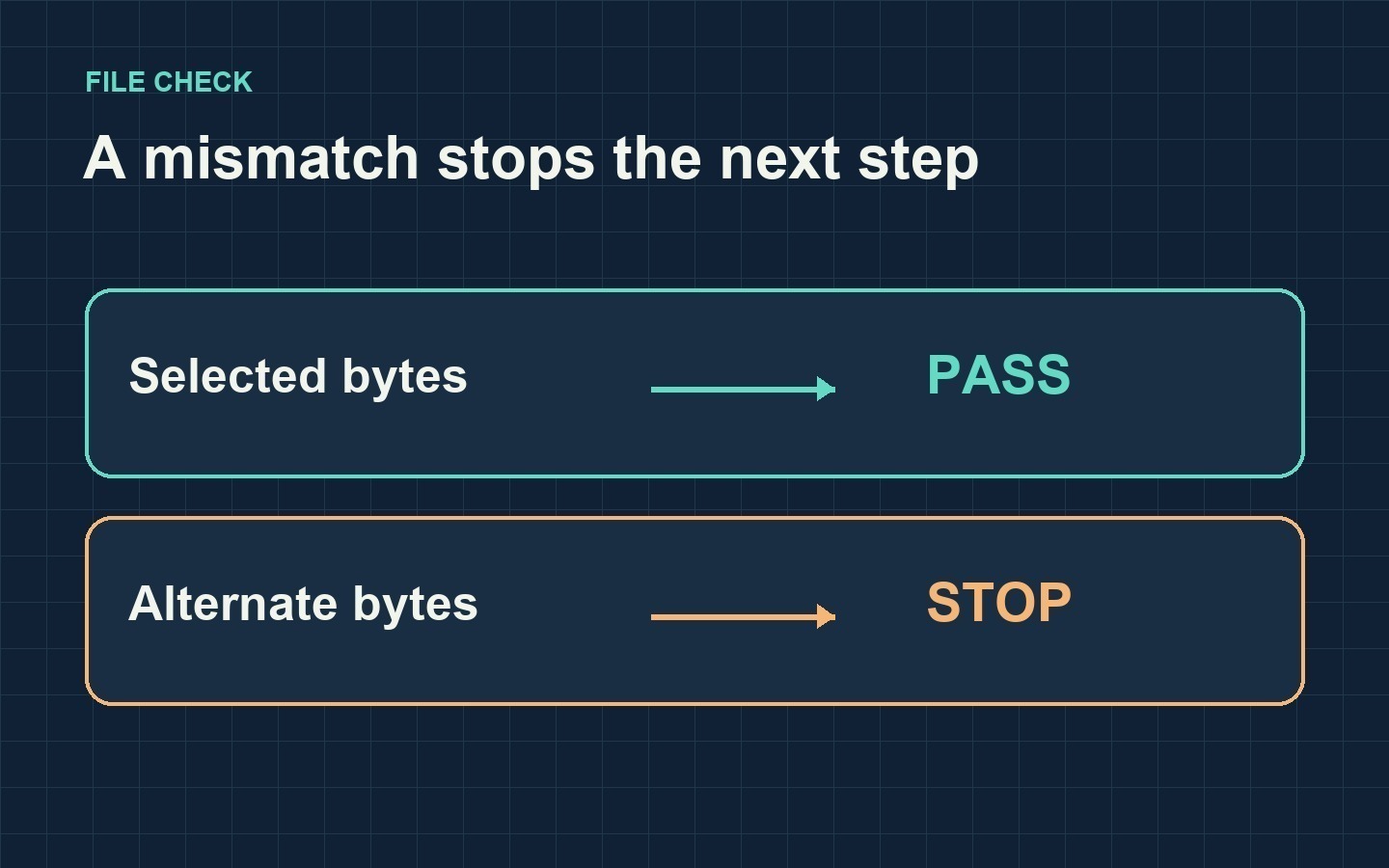
The local check accepted the selected clip and rejected the alternate clip with the same name.
Keep the archive check and the file check
GitHub's artifact digest validates the archive that was uploaded. The example configures the download action to fail if that digest differs. If Job 1 uploads a valid archive containing the alternate file, archive verification can still pass. The file check catches the mismatch with the hash recorded from the selected clip. GitHub's artifact guide and the download action inputs document archive validation and the download action’s mismatch behavior.
The baseline is only as reliable as the reference file you chose. If the same untrusted step can replace both the file and its expected hash, this check gives you no independent proof of who made the clip. Confirm the selected cut before deriving the baseline. Use a separate playback check if you also need to verify that the file decodes.
Try the check with a real demo clip
Optional sample source: Max Maker AI. If you need a free MiniMax H3 video generator, no signup required, its free page describes five-second clips with AI audio from text prompts or a pair of start and end frames. The provider describes the tool as powered by MiniMax H3 and labels access “Unlimited,” with one video processed at a time and possible verification. The local tests here used the color cards above.
To swap in your own clip, use the file you intend to review as the selected baseline and keep the alternate as a separate input. The check compares the actual files without depending on how either video was made.



Top comments (0)