


The alert says November 9. The deployment log says November 10. You can still be looking at the same second. In the synthetic example below, the alert timestamp is 2026-11-09T15:01:00Z, and the rollout timestamp is 2026-11-10T00:01:00+09:00. The rollout exporter writes local time with an offset. Subtract nine hours to get the same UTC instant as the alert.
A handoff timeline should carry both representations. Use UTC for comparison. Keep the original timestamp and the source so the next person can find the record again.
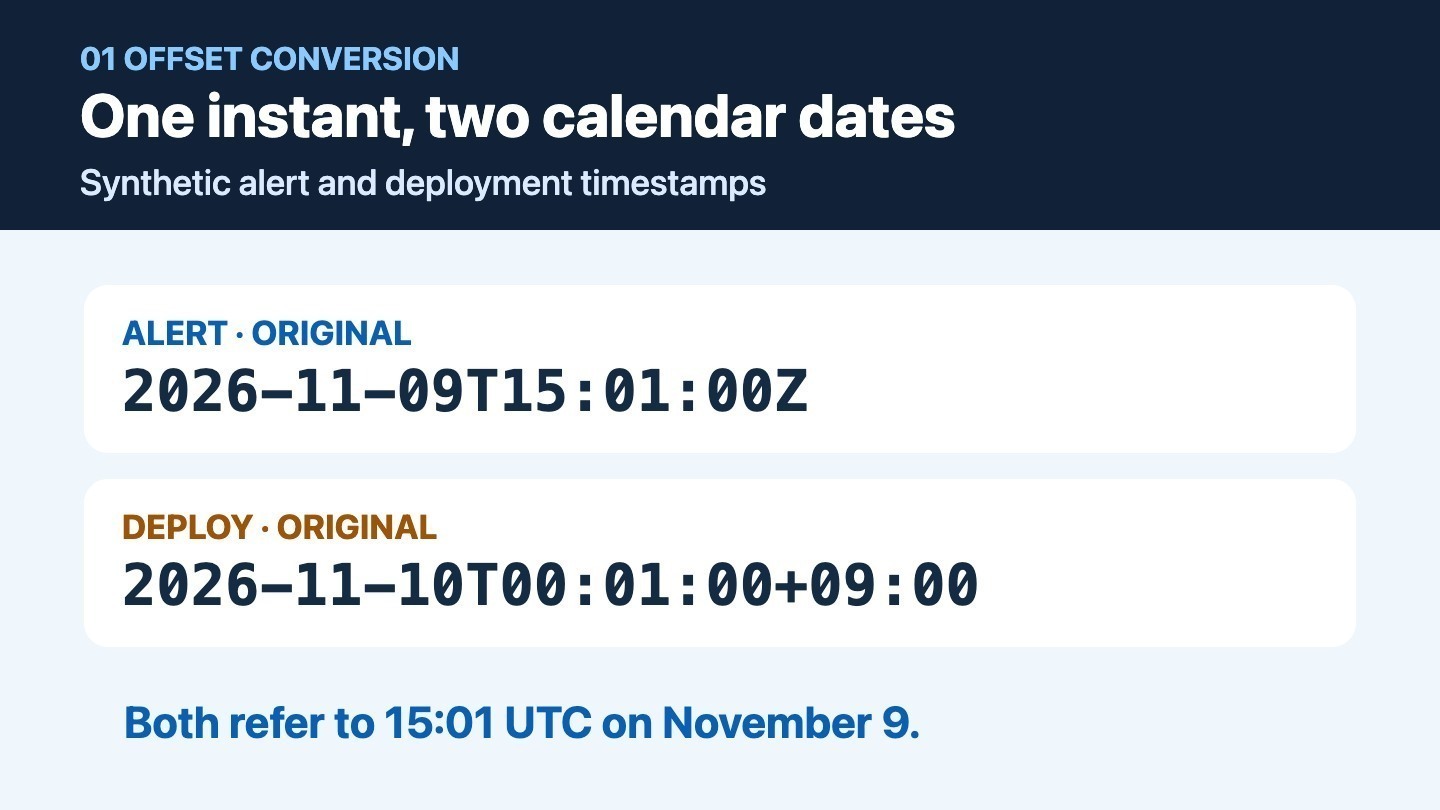
The two synthetic records refer to the same UTC instant despite showing different dates.
Try three records with explicit offsets
Save these synthetic records as logs.jsonl, one object per line. The input lists the probe last even though it happened three minutes earlier.
{"timestamp":"2026-11-09T15:01:00Z","source":"alert","event":"Alert opened"}
{"timestamp":"2026-11-10T00:01:00+09:00","source":"deploy","event":"Rollout started"}
{"timestamp":"2026-11-09T23:58:00+09:00","source":"probe","event":"Probe checked"}
Raw string sorting would place the November 10 rollout after the alert and the probe. Comparing parsed instants places the probe first and the alert and deployment at the same point in time. A timestamp match gives you a reason to inspect the records together. To establish causality, look for evidence such as a shared request ID, deployment ID or trace.
Normalize first, then sort
Save the following as timeline.py. It uses Python 3.9 or newer and the standard library. It accepts calendar timestamps with uppercase T and either Z or an explicit ±HH:MM offset. An optional fractional part takes one to six digits. The input check defines this example's subset. Leap seconds, named time zones and the special -00:00 unknown-local-offset convention are outside it. For the parser and UTC conversion, see the Python datetime documentation. The RFC 3339 timestamp profile explains the offset syntax and the meaning of -00:00.
"""Sort synthetic JSONL log records by offset-aware timestamp."""

import json
import re
import sys
from datetime import datetime, timezone
from pathlib import Path

TIMESTAMP = re.compile(
    r"([0-9]{4}-[0-9]{2}-[0-9]{2}T[0-9]{2}:[0-9]{2}:[0-5][0-9])"
    r"(?:\.([0-9]{1,6}))?(Z|[+-](?:[01][0-9]|2[0-3]):[0-5][0-9])"
)


def instant_utc(value):
    match = TIMESTAMP.fullmatch(value) if isinstance(value, str) else None
    if not match:
        raise ValueError("expected YYYY-MM-DDTHH:MM:SS with Z or ±HH:MM")
    clock, fraction, offset = match.groups()
    if offset == "-00:00":
        raise ValueError("this example requires a known local offset")
    if fraction:
        clock += "." + fraction.ljust(6, "0")
    text = clock + ("+00:00" if offset == "Z" else offset)
    return datetime.fromisoformat(text).astimezone(timezone.utc)


def load_rows(path):
    rows = []
    with path.open(encoding="utf-8") as stream:
        for number, line in enumerate(stream, start=1):
            try:
                record = json.loads(line)
                if not isinstance(record, dict):
                    raise ValueError("expected a JSON object")
                timestamp = record["timestamp"]
                source = record["source"]
                event = record["event"]
                if not all(isinstance(field, str) for field in (source, event)):
                    raise ValueError("source and event must be strings")
                rows.append((instant_utc(timestamp), timestamp, source, event))
            except (KeyError, ValueError, OverflowError) as error:
                raise ValueError(f"line {number}: {error}") from error
    return rows


def main():
    if len(sys.argv) != 2:
        print("usage: python3 timeline.py records.jsonl", file=sys.stderr)
        return 2
    try:
        rows = load_rows(Path(sys.argv[1]))
    except (OSError, ValueError) as error:
        print(error, file=sys.stderr)
        return 2
    for instant, original, source, event in sorted(rows, key=lambda row: row[0]):
        utc = instant.isoformat().removesuffix("+00:00") + "Z"
        print(f"{utc} | {source} | {original} | {event}")
    return 0


if __name__ == "__main__":
    raise SystemExit(main())
I ran python3 timeline.py logs.jsonl with the synthetic records above. Here is the observed output.
2026-11-09T14:58:00Z | probe | 2026-11-09T23:58:00+09:00 | Probe checked
2026-11-09T15:01:00Z | alert | 2026-11-09T15:01:00Z | Alert opened
2026-11-09T15:01:00Z | deploy | 2026-11-10T00:01:00+09:00 | Rollout started
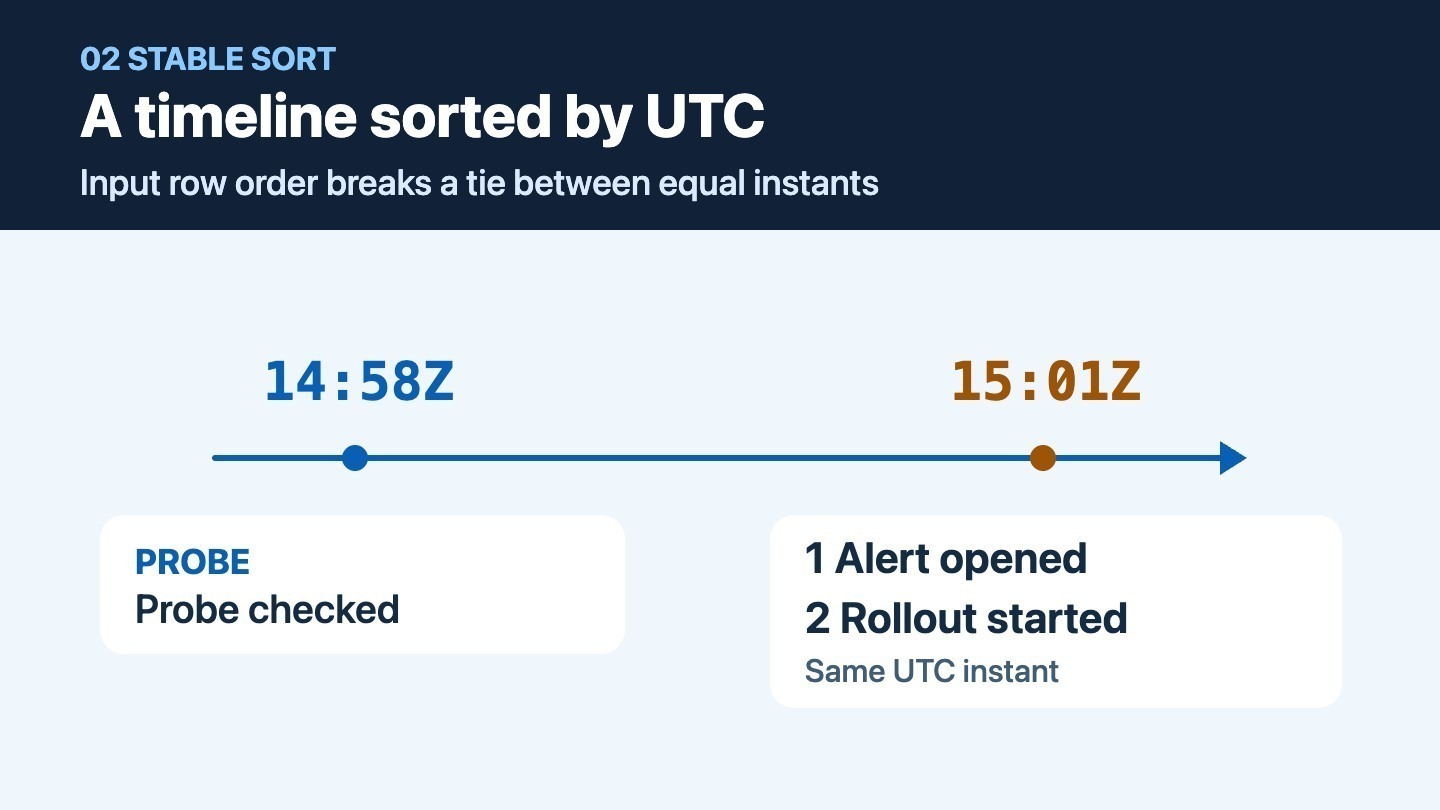
The two 15:01 events appear in input order within the same point on the timeline.
Python sorts stably, so the two equal instants retain their input order. That gives the handoff a deterministic order for these rows. Keep both events and use other evidence to establish any finer ordering. In your own export, retain the original record or an identifier that can take the next responder back to it.
Stop on a timestamp with no offset
Save this line as missing-offset.jsonl.
{"timestamp":"2026-11-09T15:01:00","source":"alert","event":"Alert opened"}
I ran python3 timeline.py missing-offset.jsonl. It wrote this message to standard error, returned exit status 2 and emitted no timeline.
line 1: expected YYYY-MM-DDTHH:MM:SS with Z or ±HH:MM
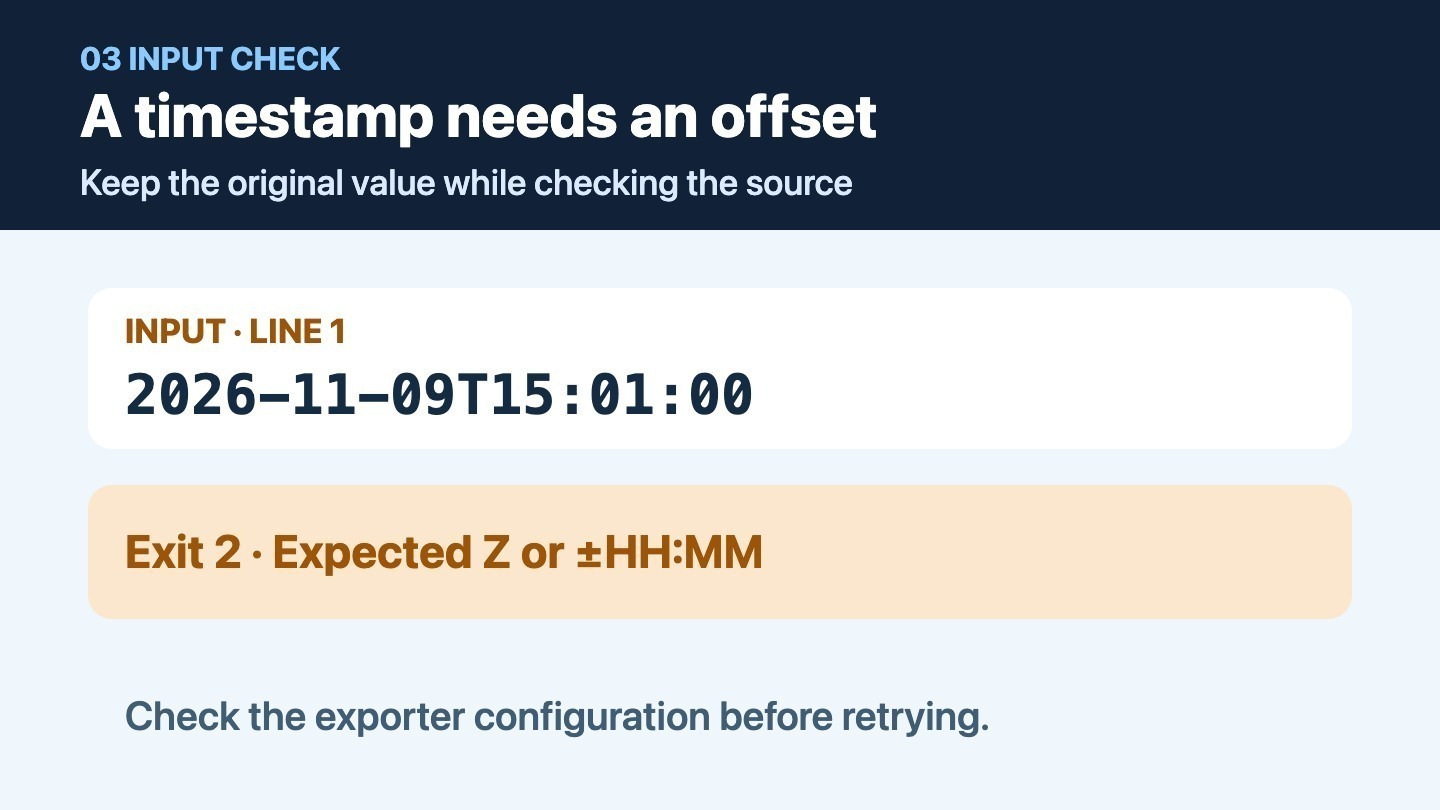
Check the source configuration or request an export with an explicit offset before merging this record.
When an exporter omits the offset, inspect its time-zone configuration or obtain a new export with explicit offsets. Keep the raw record for follow-up. A machine's current local time zone tells you very little about a timestamp written by a different process.
For a handoff, send the UTC window you checked and the original source references with your sorted timeline. State which events share an instant and which timestamps still need clarification.



Top comments (0)