

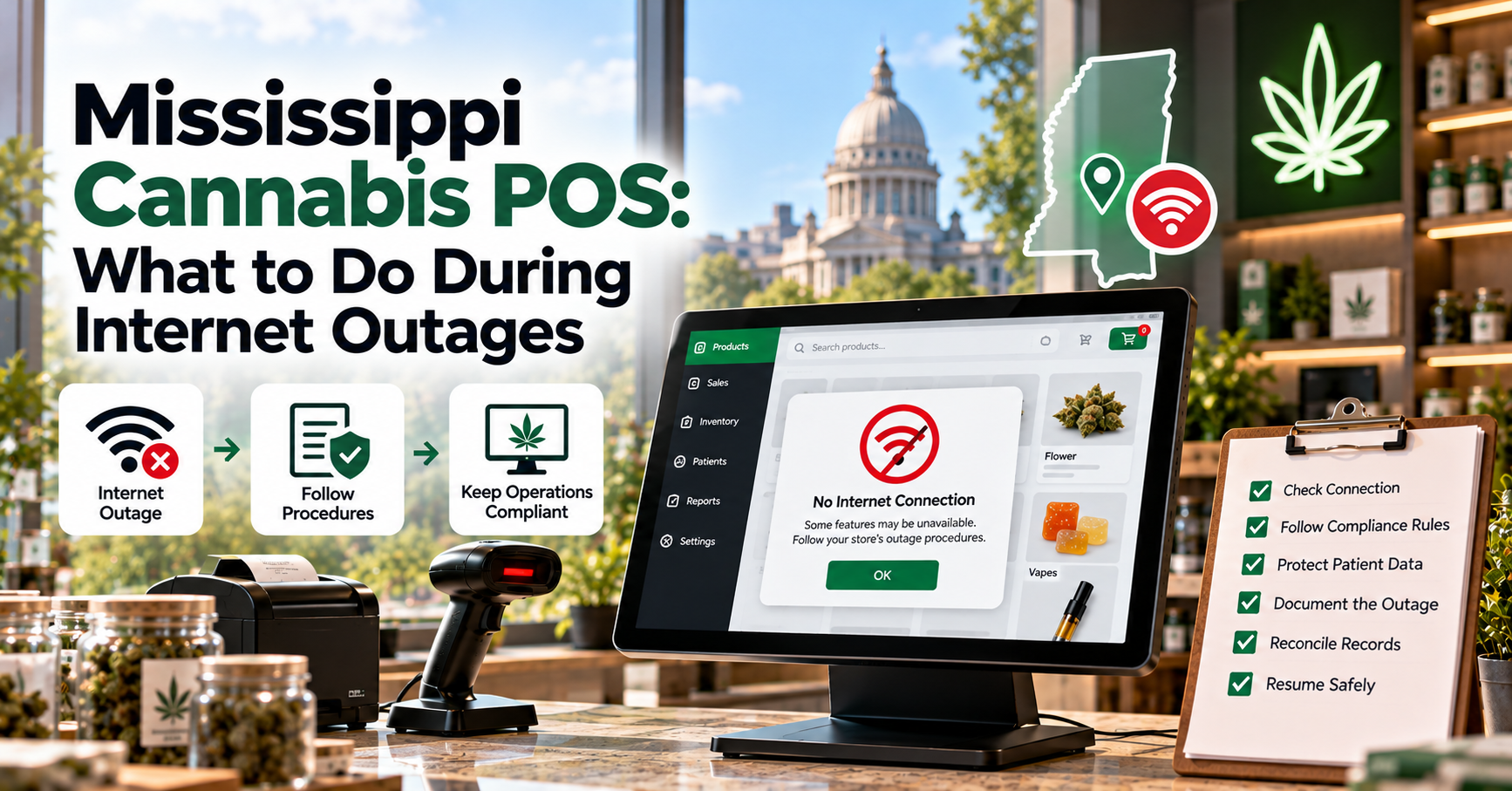
Internet connectivity is essential for modern cannabis dispensaries. From processing transactions and checking inventory to verifying patient information and submitting regulatory reports, many daily operations depend on cloud-based technology. When the internet suddenly fails, Mississippi medical cannabis retailers may face checkout delays, reporting interruptions, and uncertainty about whether business can continue.
Dispensaries evaluating cannabis delivery software Mississippi or other retail technology should understand how their systems respond to connectivity problems. Delivery-related features, where legally applicable, and in-store checkout tools may rely on different connections, making it important to examine each workflow separately.
An internet outage does not automatically mean a dispensary can continue selling cannabis offline. Retailers must distinguish between what their software can technically perform and what Mississippi regulations permit. A documented outage response plan helps employees protect inventory accuracy, maintain reliable records, and avoid preventable compliance problems.
Why Internet Outages Are a Serious Challenge for Dispensaries
How Connectivity Affects Daily Operations
A Mississippi cannabis POS system often connects several important business functions through the internet.
These may include:
- Checkout and transaction processing.
- Inventory tracking and product availability.
- Patient verification workflows.
- Payment service connections.
- Metrc reporting and synchronization.
- Online menus and order management.
- Centralized business reporting.
When connectivity disappears, some features may stop working immediately, while others may continue using previously stored information.
The exact behavior depends on the software provider, hardware configuration, and connected services.
Understanding the Compliance Risks
Mississippi's medical cannabis program requires licensed businesses to follow specific rules governing patient transactions, inventory records, and product tracking.
The state's seed-to-sale tracking environment makes accurate reporting especially important.
For official guidance, retailers should consult the Mississippi Medical Cannabis Program, administered by the Mississippi State Department of Health.
Software functionality should never be mistaken for regulatory permission. Before adopting offline sales procedures, verify the current rules and obtain appropriate compliance guidance.
Step 1: Identify the Type of Connection Failure
Determine Whether the Problem Is Local
Not every connectivity issue involves a complete internet outage.
Sometimes the problem affects only one terminal, wireless access point, or connected device.
Employees should check whether:
- Other checkout terminals remain connected.
- The store's internet router is functioning.
- Wired connections work when Wi-Fi fails.
- Payment terminals can reach their providers.
- The POS vendor has reported a service disruption.
Avoid restarting multiple systems simultaneously without understanding the problem.
Unnecessary restarts can complicate troubleshooting and interrupt pending operations.
Check External Service Availability
A dispensary may have working internet access while a cloud service or regulatory integration is unavailable.
For example, a temporary Metrc connection issue may affect reporting even when checkout terminals remain online.
Ask employees to distinguish between a local network failure, a vendor outage, and an external integration problem.
This information helps technical support identify the appropriate solution.
Step 2: Follow an Approved Outage Response Plan
Establish Clear Operating Rules
Every dispensary should maintain written procedures explaining what employees must do when essential systems become unavailable.
These procedures should reflect current Mississippi requirements and the store's approved operating practices.
The plan should identify:
- Which activities must stop immediately.
- Which administrative tasks may continue.
- Who can authorize operational decisions.
- How incidents should be documented.
- When technical support must be contacted.
- What conditions must be met before normal operations resume.
If a required verification or reporting function cannot be completed, employees should not assume they can bypass it.
Communicate With Employees and Customers
Store managers should explain the situation clearly and provide consistent instructions.
Employees need to know whether checkout is paused and how to handle customers already waiting.
A simple explanation that the dispensary is experiencing a technical interruption is usually sufficient.
Avoid promising an exact restoration time unless the service provider has confirmed one.
Step 3: Understand POS Offline Mode Limitations
What Offline Mode May Support
Some POS software for Mississippi cannabis retailers includes limited offline capabilities.
Depending on the platform, these may allow employees to view cached product information, access selected records, or prepare administrative tasks.
Other systems may offer local transaction storage, but this does not establish whether offline cannabis sales are legally permitted.
Ask your vendor which functions remain available and how they interact with compliance controls.
Questions to Ask Your POS Provider
Before an outage occurs, clarify:
- Can the software identify lost connectivity?
- Does it display warnings when information is outdated?
- Which records remain available locally?
- Are employee permissions enforced offline?
- How are pending operations stored?
- Can synchronization errors be reviewed?
- What happens if the terminal restarts?
The safest offline workflow is one that makes limitations visible rather than hiding them from employees.
Step 4: Protect Patient Verification and Purchase Controls
Avoid Unverified Transactions
Mississippi operates a medical cannabis market, making patient eligibility and applicable purchasing restrictions important considerations.
If required verification services become unavailable, employees should follow approved procedures rather than relying on assumptions.
A previously displayed patient record may not reflect current eligibility or purchase information.
Do not treat cached data as automatically sufficient for authorizing a new sale.
Maintain Consistent Checkout Procedures
A compliant cannabis POS in Mississippi should help employees recognize when necessary transaction controls cannot be completed.
Train staff to pause affected transactions and contact management when required information is unavailable.
Patient verification and purchase controls should remain priorities even during busy periods.
Step 5: Prevent Inventory Discrepancies
Understand the Risks of Cached Inventory
Inventory information stored locally may become outdated during an outage.
For example, multiple terminals may display the same available quantity without receiving updates from one another.
This can create conflicting records if employees attempt unsupported operations.
Avoid making undocumented inventory changes while essential synchronization functions are unavailable.
Document Inventory-Related Incidents
If the outage interrupts receiving, reconciliation, or other inventory activities, record the affected tasks for later review.
Useful incident details include:
- Time the problem began.
- Affected terminals or services.
- Relevant product or package identifiers.
- Operations interrupted by the outage.
- Employees responsible for follow-up.
Do not substitute informal notes for official records when regulated reporting is required.
Step 6: Handle Metrc Synchronization Carefully
Understand Reporting Status
Metrc integration Mississippi supports the exchange of relevant tracking information between connected systems.
However, an interrupted connection may create uncertainty about whether a submission was accepted.
A transaction appearing in the POS does not necessarily mean the external tracking system received it.
Retailers should distinguish between records that are pending, submitted, accepted, or rejected.
Avoid Duplicate Submissions
When connectivity returns, employees may be tempted to resend records immediately.
That approach can create problems if the original request was processed but its confirmation was lost.
Ask the POS provider how its software checks submission status before retrying.
Never assume a reporting error can be fixed safely by submitting the same information repeatedly.
If discrepancies remain unresolved, follow the vendor's troubleshooting instructions and applicable regulatory procedures.
Step 7: Restore Connectivity and Reconcile Records
Verify That Systems Are Working
Once internet access returns, confirm that all essential services are functioning.
Check the POS connection, payment services, inventory synchronization, and relevant regulatory integrations.
Do not immediately assume normal operations can resume simply because a terminal shows an online indicator.
Review Pending Records
Managers should examine any pending operations and error notifications.
The recovery checklist should include:
- Confirming successful synchronization.
- Reviewing rejected reporting requests.
- Checking inventory balances.
- Verifying transaction statuses.
- Investigating duplicate or missing records.
- Documenting unresolved discrepancies.
Restoring internet access is only the first part of recovery; confirming record accuracy is equally important.
Step 8: Prepare Employees Before the Next Outage
Conduct Regular Training
Employees should understand how to recognize connection problems and respond without improvising compliance procedures.
Practice realistic situations, including:
- Internet failure during a busy shift.
- A payment terminal becoming unavailable.
- An interruption in patient verification.
- Delayed Metrc reporting.
- Inventory information becoming outdated.
Use simulated transactions and vendor-approved testing environments rather than creating live sales for training purposes.
Maintain Backup Connectivity
A secondary internet connection may reduce downtime.
Options can include a backup broadband service or compatible cellular failover equipment.
However, backup connectivity should be tested regularly to confirm that essential devices and services can use it.
A backup connection does not eliminate the need for written outage procedures.
Mississippi Cannabis POS Outage Checklist
When an interruption occurs, managers can use this checklist:
- [ ] Identify the affected network or service.
- [ ] Notify employees and assign responsibilities.
- [ ] Pause activities that cannot meet required controls.
- [ ] Contact the POS vendor or internet provider.
- [ ] Document the outage and affected operations.
- [ ] Protect patient and inventory information.
- [ ] Check reporting queues after reconnection.
- [ ] Reconcile records before closing the incident.
Final Thoughts
Internet outages are an operational risk for every connected cannabis retailer, but their consequences can be reduced through preparation.
A reliable Mississippi dispensary POS platform should provide understandable connection warnings, clear reporting statuses, and practical recovery tools.
Still, technology alone cannot determine whether transactions are permitted during an interruption.
The priority is to protect compliance, preserve accurate records, and resume normal operations only when essential systems and procedures are verified.
By preparing employees, testing connectivity safeguards, and following current Mississippi Medical Cannabis Program requirements, dispensaries can handle technical disruptions with greater confidence and fewer avoidable errors.



Top comments (0)