

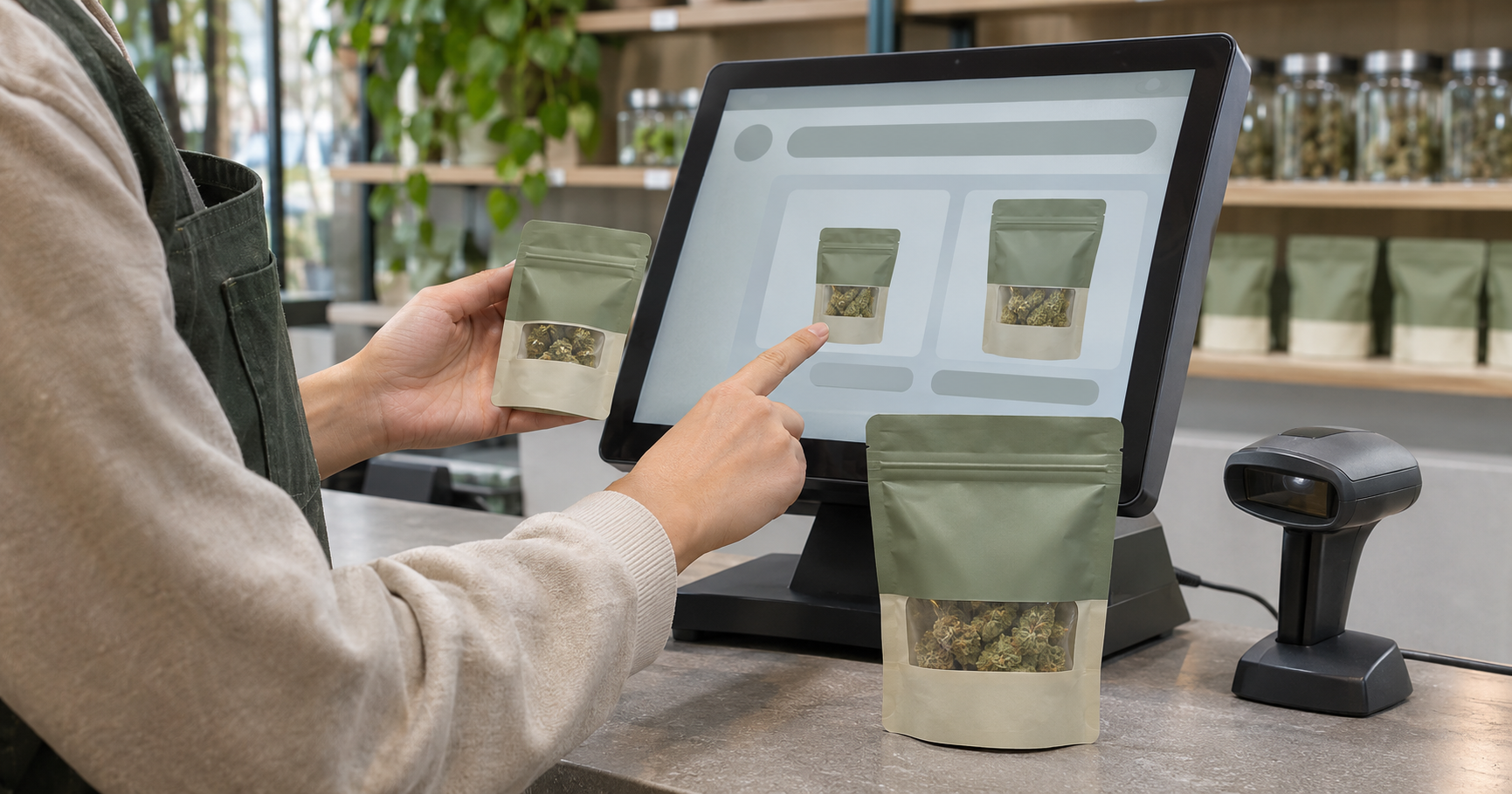
A search can return the right product name while leaving a budtender looking at the wrong package size. If the difference appears only inside a detail screen, selecting the first familiar result may put a different item in the cart.
Test that moment before accepting a search demonstration as proof that the workflow suits your store. Finding a recognizable name, distinguishing its variants, and selecting the intended inventory are separate tasks. The test should follow the employee through each.
When comparing the best budtender pos systems, use products from your own assortment to assess those tasks. A useful demonstration lets staff explain why they chose a particular result, then verify that the cart matches the physical package.
Build a test set from products staff can confuse
Start with products whose names or packaging are similar. Include the same product in different package sizes, closely named variants from a shared brand, and products whose packaging looks alike despite different contents. Use actual catalog records rather than inventing sample names that make the distinction obvious.
For each scenario, write down the intended product and the attributes that distinguish it from nearby alternatives. Keep the competing records available during testing so the employee faces the choice you want to examine.
Establish the expected result before testing
Compare the reference record with the physical package. Confirm its name, form, size, and identifying code, along with the inventory information needed for selection.
Define the correct selection before watching someone search. Otherwise, a plausible result can become the accepted answer simply because nobody checked the reference. Use a demonstration environment or an available test mode that avoids creating real sales or inventory movements.
Search the way budtenders actually search
Ask staff to enter the words they would use at the counter. Try the full name, a shortened name, and the brand combined with package size. Include a changed word order or a plausible typing error.
These are test cases, not assumptions about features every platform supports. Record which queries work and whether the supported search behavior is understandable to employees.
Check recovery when the first query fails
When a search returns nothing, ask the employee what they would try next. Watch whether they can revise the query, inspect an active filter, or use another documented lookup method.
Distinguish a missing result from an ambiguous result. The first may require a different query; the second requires enough information to separate competing products. In either case, note whether the employee needs a supervisor or guesses.
Inspect what distinguishes each search result
Look at the results on the device staff actually use. Check whether the distinguishing package size or product form is visible in the list, hidden behind another action, or cut off by the screen layout.
Ask the employee to identify the evidence behind their choice. “It was at the top” gives the manager a different finding from “The package size and form match the request.”
A recognizable image or shared name is insufficient evidence of the intended variant. Check the supporting attributes. Opening a detail screen is acceptable when it provides the necessary information; record that step so the evaluation reflects the full task.
Test barcode scanning separately from typed search
Run the same intended product through manual search and barcode scanning. Compare the result, any additional selection required, and the final cart entry. Record which label was scanned, especially when the package carries multiple codes.
Flowhub’s UPC and SKU documentation explains why the paths can differ. In Flowhub, UPCs belong to the Product level, while SKUs belong to Inventory. Scanning a UPC can present inventory associated with that product for selection; scanning a SKU brings up the specific inventory item linked to it. This behavior is platform-specific and should be checked against your system’s documentation. Flowhub Help Hub
Verify the inventory selection behind the product
Where the workflow asks for a batch or inventory choice, include that step in the test. Compare the selected record with the package in hand and the reference prepared earlier.
A successful scan confirms that the system recognized a code. The test still needs to establish that the code is associated with the intended record and that any required selection was made correctly.
Separate legitimate variants from duplicate records
Similar names deserve investigation before anyone changes the catalog. They may represent different package sizes, related products, separate inventory records, or accidental duplicates.
Compare the attributes and identifiers behind each result. Do not remove a record simply because its name matches another. Ask the person responsible for catalog maintenance to establish whether the distinction is intentional.
Keep cleanup separate from the search session. Document the confusing records and follow the platform’s supported correction process. Afterward, repeat the original query to confirm that the change resolved the ambiguity.
Record selection errors alongside search time
Measure time across the complete task, including detail screens and inventory selection. Record correctness beside duration. A fast wrong selection should remain visible in the findings.
Keep a short test log containing:
- The query or scanned code and intended product.
- The result selected and whether it matched the reference.
- Extra steps needed to confirm the variant or inventory.
- Any error, where it was detected, and how staff recovered.
Judge success by the item selected, not merely by whether search returned results. Review the cart’s product, size, quantity, and inventory details where available. Also note mistakes employees corrected themselves before adding the item.
Distinguish catalog problems from training gaps
Match the remedy to the observed cause. Missing size information may require a catalog update. A distinguishing attribute that is present but difficult to find may warrant a display or configuration review.
An employee who does not understand an inventory selection prompt may need targeted instruction. Capture the question they struggled with so training addresses the actual decision. Avoid treating every hesitation as a need for faster typing.
Retest the difficult cases during onboarding
Repeat failed scenarios after changing records, configuration, or instructions. Keep the original request and expected result so the comparison tests the repair rather than an easier task.
Use these cases in cannabis POS training for new employees. Let the employee find the product, explain the distinguishing attributes, and confirm the cart without hints about the correct row. Observe how they recover when an initial query fails.
Keep unresolved ambiguity visible until the workflow supports a reliable choice. Start the next review with similar products currently on your shelves. Prepare the expected selections, then ask a new employee to find each item and justify the choice using the information on screen.



Top comments (0)